Skip to content

A store operations assistant, in development

Understand what needs attention in your stores.

Zujaj is being built to turn camera observations into clear operational signals—so store teams can understand activity and decide where to act.

We’ll review your use case and camera setup.

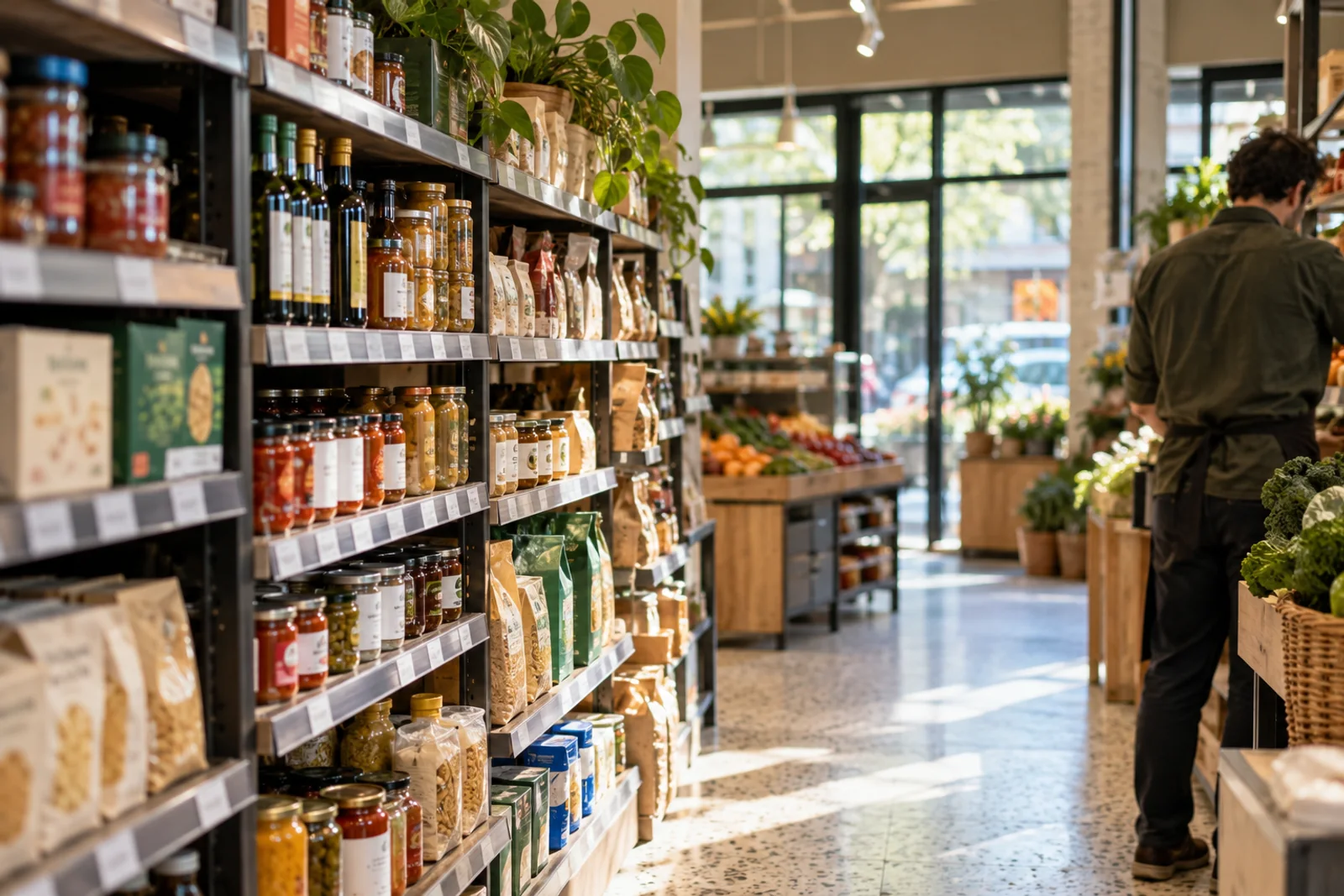
Illustrative store footage

Start with a store question

The moments worth a closer look.

Cameras capture activity. The useful question is what a store team can understand from it—and when the view is too incomplete to rely on.

One observation. A human decision.

See how the pieces fit.

Follow one fictional checkout event from a defined camera area to a manager’s decision. Every value in this example is illustrative.

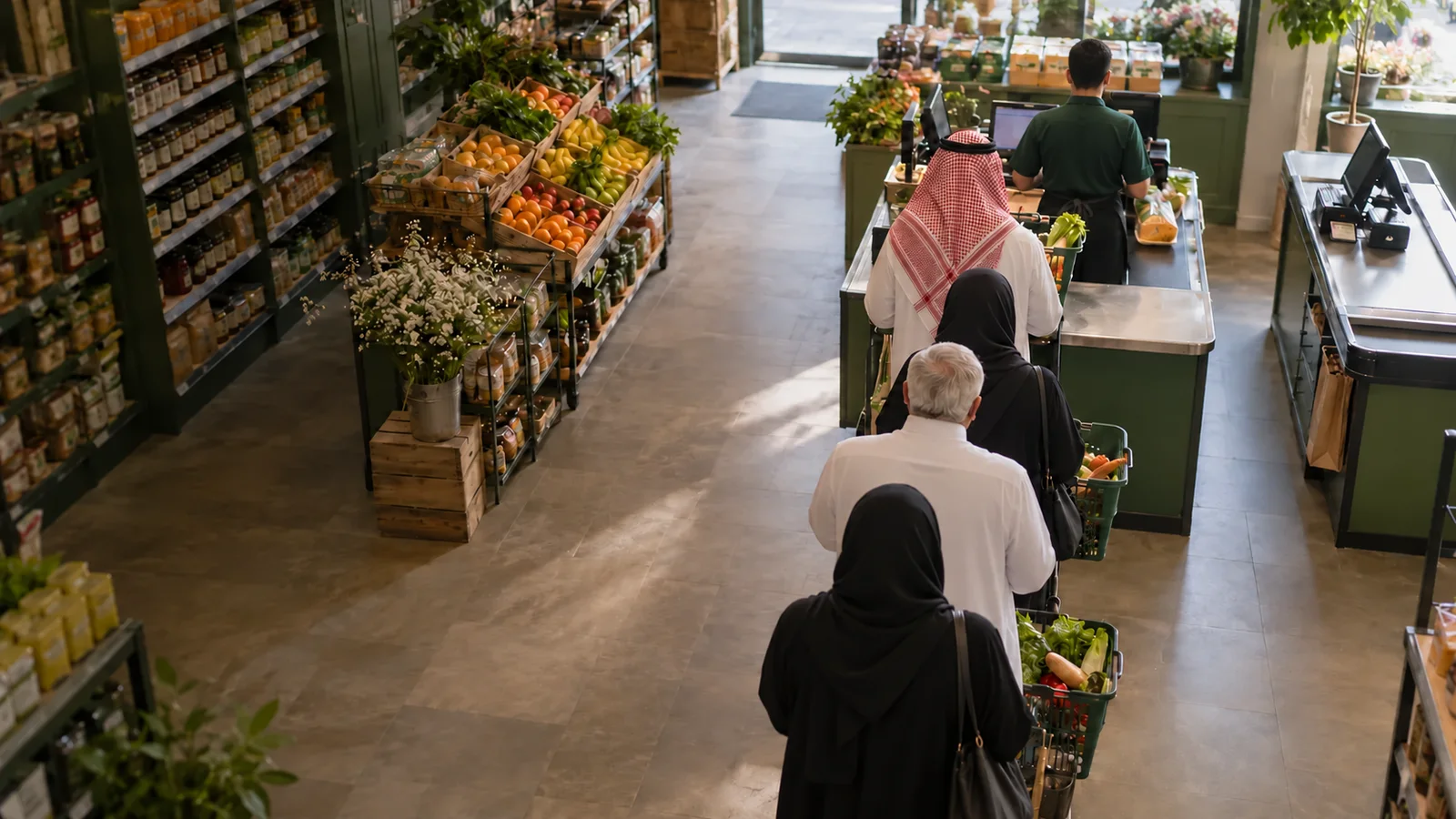
Illustrative Saudi checkout scene with a male cashier and four shoppers in thobes and abayas, seen from behind with no visible faces
Example store · Checkout 0214:32:00

Illustrative example · Observe

Define what the camera can observe.

One fictional checkout area contains four people. The outline names the area being discussed; it is not model output.

Defined queue area
Defined queue area visible
Illustrative count
4 people

A queue count is not a waiting-time estimate.

Concept walkthrough · not a live feed or released queue capability
Synthetic editorial scene · not customer footage

Read the complete example
  1. Observe · 14:32:00

    Define what the camera can observe.

    One fictional checkout area contains four people. The outline names the area being discussed; it is not model output.

    Defined queue area
    Defined queue area visible
    Illustrative count
    4 people
  2. Understand · 14:32:10

    Keep the signal and the rule distinct.

    The illustrative count crosses a configured threshold. Show the observation’s age and usable view before deciding what it means.

    Illustrative count
    4 people
    Configured rule
    More than 3 people
    Observation age
    10 seconds in this example
    Usable coverage
    Defined queue area visible
  3. Act · 14:33:00

    Leave the operational decision with the manager.

    The proposed response is to review checkout coverage. Assignment and follow-up are planned—not a completed product action.

    Manager’s proposed response
    Review whether to open another checkout
  4. Review · 14:36:00

    Review the later view, including what is missing.

    The later fictional view is partly obscured. Its count is unavailable; it cannot demonstrate improvement or the effect of a manager’s response.

    Usable coverage
    Later view partly obscured
    Illustrative count
    Unavailable
    Observation age
    Unavailable

    A missing observation is unavailable, never zero.

Choose the first workflow to evaluate

One task. Clear conditions.

Start with one store question. Camera suitability and measured coverage determine what a pilot can establish.

Under evaluation

Entrance activity

Compare observed entrance activity by hour only where the view is sufficiently covered.

Details and evaluation conditions
What is observed
Directional crossings at a defined entrance line—not unique people across stores.
Decision it informs
Review staffing against observed demand.
Conditions to assess
A suitable view, agreed counting definition and sufficient usable coverage. Counting remains under evaluation.
Request a pilot for this task
Planned

Checkout attention

The illustrative walkthrough shows four people against a configured three-person threshold.

Details and evaluation conditions
What is observed
People in a defined queue area, kept separate from estimated waiting time.
Decision it informs
A manager reviews whether another checkout is needed.
Conditions to assess
A visible queue region and validated counting; alerts and action assignment are planned.
Request a pilot for this task
Planned

Activity in defined zones

An obscured area stays unavailable; it must not appear as an empty zone.

Details and evaluation conditions
What is observed
Presence and observed time in a defined area, including gaps and occlusion.
Decision it informs
Investigate a pattern or change the camera view before interpreting a metric.
Conditions to assess
A suitable view, explicit zone definition and measured coverage. No inference of intent.
Request a pilot for this task

Synthetic editorial scene · not customer footage

Assess your existing setup

Fit the pilot to the store.

The proposed approach begins with a camera view and one useful question. Compatibility, lighting, occlusion, local compute, connectivity and support need review.

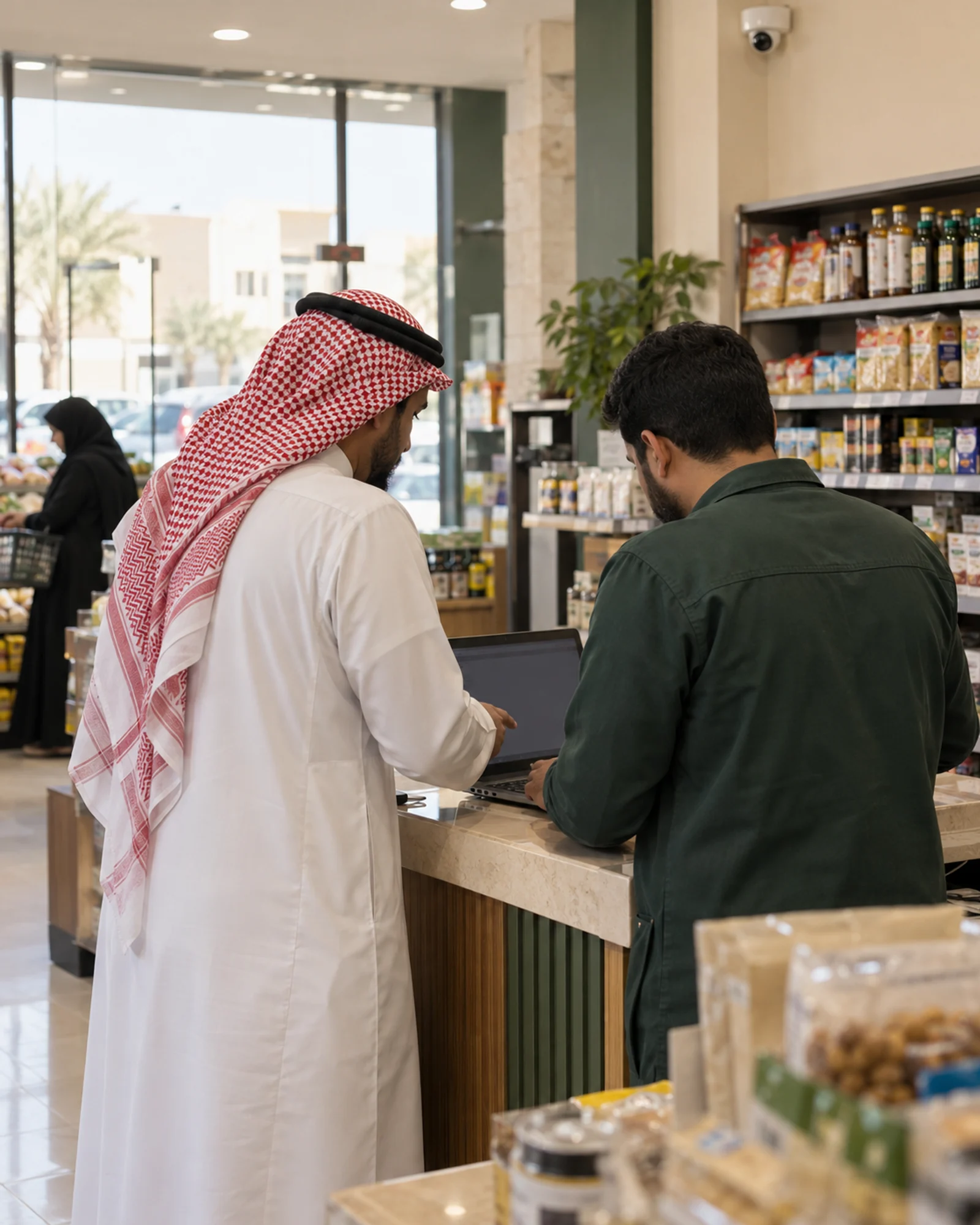
A Saudi store manager in a thobe and a male technician review a laptop beneath an existing store camera.
Synthetic editorial scene · not customer footage
  1. Review the fit

    Start with your question, camera view and the decision it should inform.

  2. Agree the scope

    Define signals, coverage, responsibilities and a success criterion.

  3. Gather evidence

    Review authorized recordings and human observations within the agreed scope.

  4. Review the result

    Measure what could be observed and what was missing before choosing the next step.

Intended data flow · evidence access is separate and authorization-dependent

  1. Existing camera or recorder
  2. Local Zujaj processing
  3. Selected events and measurements
  4. Team workspace

Local processing is the intended design. Continuous video is not shown as a cloud upload.

Privacy and control

Know what leaves the store.

The intended design keeps continuous video on site while selected operational records synchronize. Evidence access depends on authorization and available retention.

Read privacy and deployment
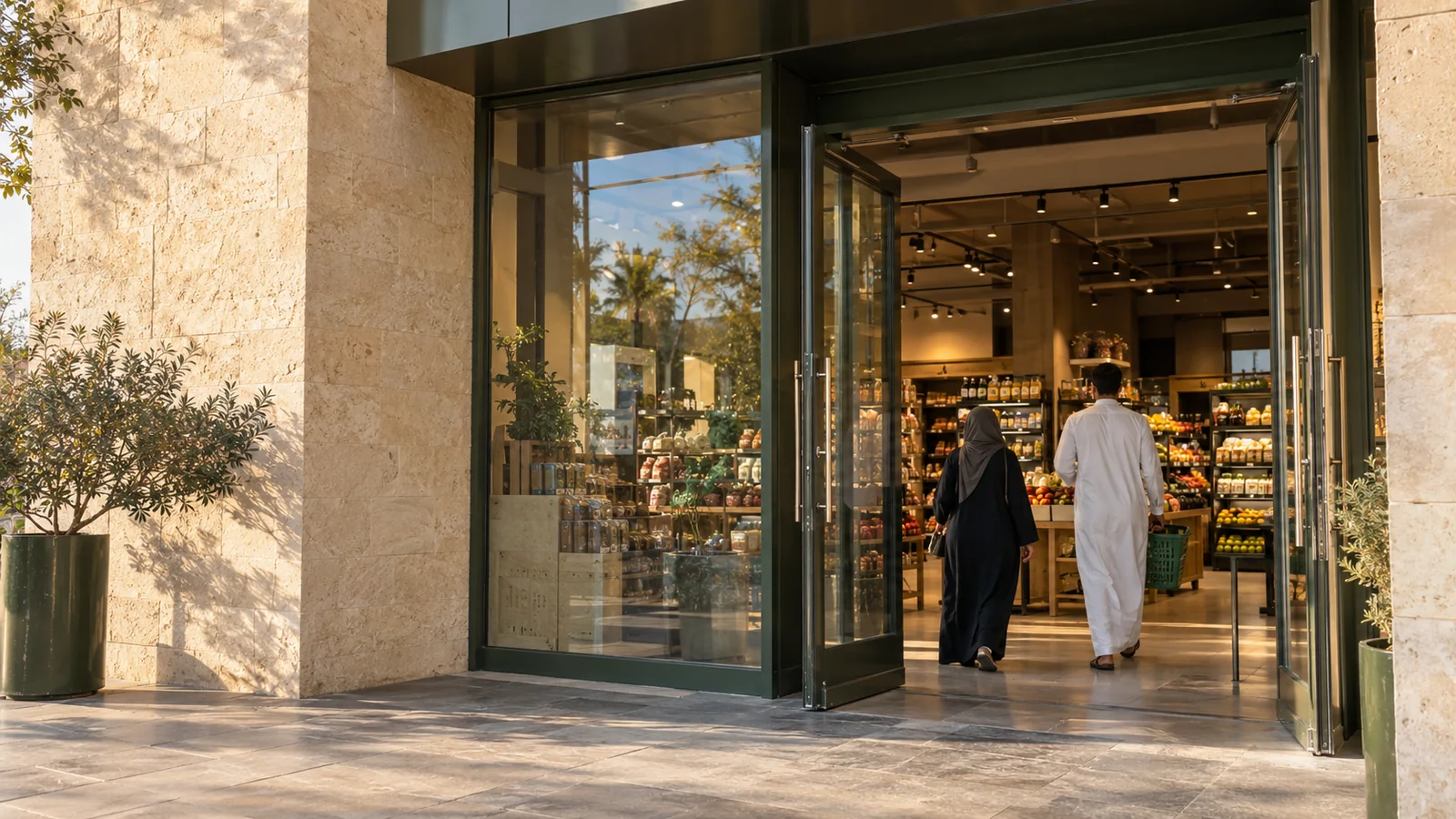
A man in a thobe and a woman in an abaya entering a sunlit glass-fronted store, a synthetic editorial scene
Synthetic editorial scene · not customer footage

Current recording pilot

Recording files, reference images and review material stay local. Configuration and pilot metadata can reach the workspace; these are not accepted analytical results.

Before we begin

Practical questions, plain answers.

Can we use our existing cameras?

We assess your existing camera or recorder, its view and access, lighting, local compute and connectivity. Compatibility is specific to the setup; it is not universal.

Is every capability available today?

No. The current workspace supports configuration and recorded-video pilot work. Entrance counting remains under evaluation. Checkout and zone analytics and action workflows are planned; the walkthrough is illustrative.

What can a particular view measure?

Only what the view and evaluated capability support. Field of view, lighting, overlap and occlusion affect usable coverage. A count alone does not establish waiting time, intent or sales conversion.

Where is video processed?

Local processing is the intended design, and current recording files remain local. Selected configuration and pilot metadata can reach the workspace. Evidence access is separate and permission-dependent.

What happens if connectivity fails?

Observation freshness and coverage can be affected. Local event buffering and later synchronization are intended architecture, not a verified offline promise. We assess the operating limits for each pilot.

What do we need for a pilot?

One store question, permission to use the relevant camera view and a person who can support evaluation. We agree scope, responsibilities, data handling and a success definition before starting.

How is pricing determined?

No public pilot price or pricing tier is confirmed. Store scope, camera suitability, processing needs and support requirements need review before a specific proposal can be made.

A focused first step

Choose one store question to test.

Tell us about your stores and camera setup. We’ll review whether a focused Zujaj pilot is a fit and agree what it should demonstrate.
Request a pilot

Fit review → agreed scope → evaluation plan